

A portal email or PDF marked “notice” can relate to registration, return default, scrutiny, mismatch, demand, audit or appeal. The dangerous response is either panic or a generic explanation sent without identifying the form, section, period and deadline.
That is why this guide starts with the decision, not the form. The goal is to leave you with a short evidence list, a clear owner and a next action that does not overstate what software or a portal screen can decide.
The Short Answer
Download the notice from the GST Portal, verify its reference and proceeding, record the issue and deadline, preserve every attachment and compare each allegation with source records. Some common-portal communications use a verifiable RFN and do not require a separate DIN under CBIC’s 2025 circular, so “no DIN means invalid” is not a safe blanket rule.
Last reviewed: 30 September 2026. Due dates, portal validations and notification-based exceptions can change. Verify the live portal and current primary source before acting.
In Plain Words
Respond to the actual legal and factual question. Create an allegation-to-evidence table, quantify differences, and use the reply/adjournment route specific to that proceeding. Seek qualified advice immediately for demand orders, fraud allegations, cancellation, recovery or an appeal deadline.
Use three separate columns in your working: what your books say, what the GST system says, and what the law or current official guidance requires. Those columns often overlap, but they are not interchangeable. Keeping them separate prevents a software status or portal total from becoming an unsupported tax conclusion.
Why This Problem Happens
Teams usually begin with a remembered threshold, a dashboard number or a message from another party. The underlying evidence arrives later and may tell a different story. Names, GSTINs, periods, document numbers, State rules, amendments and timing can each change the answer.
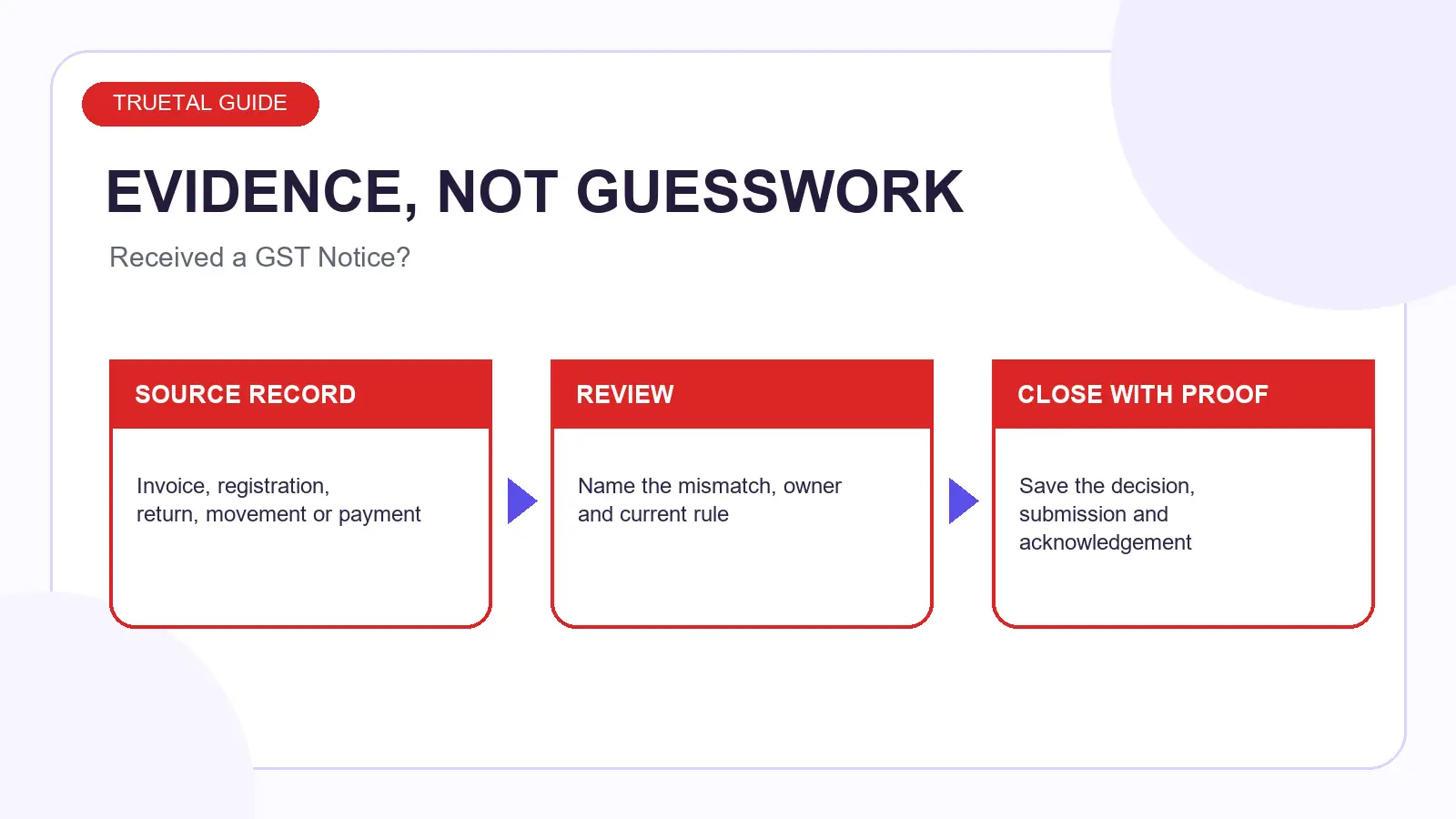
The practical fix is a repeatable review trail. Record the source, the period, the exception, the person responsible and the evidence that closes it. If a fact changes later, update the working rather than silently rewriting history.
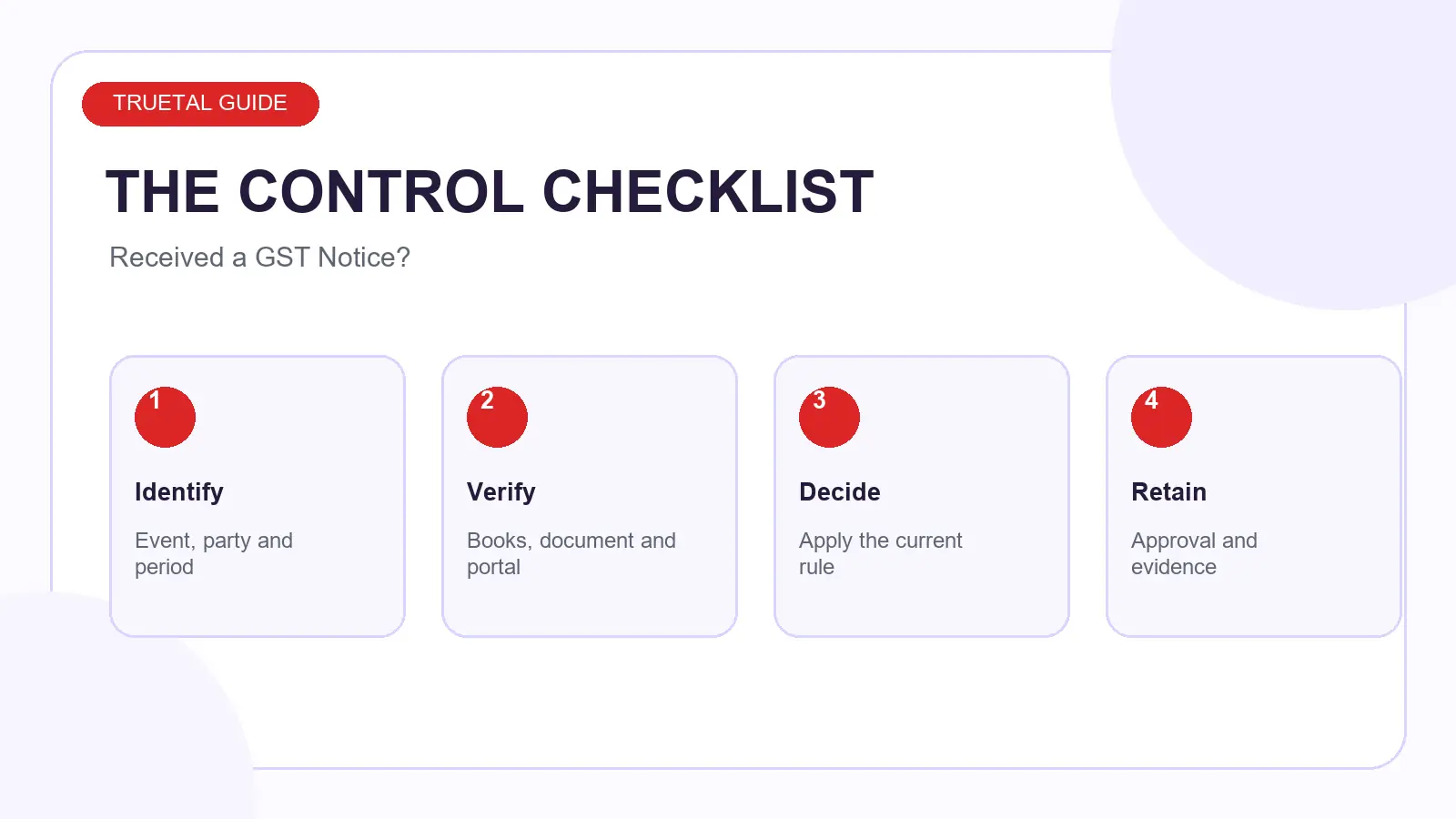
The Decision Framework
- Identify the event. What registration, return, invoice, movement, payment or notice is actually in question?
- Fix the period and parties. Confirm GSTIN, PAN, State, counterparty and relevant tax period.
- Compare the evidence. Put source documents, books and portal data side by side.
- Apply the current rule. Use the official source linked below and record any exception.
- Approve and retain proof. Keep the working, submission and acknowledgement together.
Step-by-Step Checklist
- Download and authenticate the portal communication. Add the supporting record to the working and assign a named owner before moving to the next step.
- Record form, section, GSTIN, period, amount and deadline. Add the supporting record to the working and assign a named owner before moving to the next step.
- Build an allegation/evidence/reconciliation table. Add the supporting record to the working and assign a named owner before moving to the next step.
- Submit through the correct portal route and retain acknowledgement. Add the supporting record to the working and assign a named owner before moving to the next step.
Do not mark a step complete because someone says it was done. Mark it complete when the relevant source document, portal evidence or approval is attached.
Worked Example
If a notice alleges excess ITC, reconcile the notice amount to GSTR-2B, purchase records, reversals and the filed return. Attach the invoice-level working and supporting documents. A two-line statement that “all ITC is genuine” does not answer the computation.
The numbers and names in this example are illustrative. The control is the important part: preserve the original record, explain the difference and record the authorised decision. That creates a file another accountant or officer can follow without guessing.
Documents and Evidence to Keep
- notice and attachments
- portal reference/RFN or DIN details
- relevant filed returns
- invoice-level reconciliation
- reply, attachments and acknowledgement
Keep the final submission or action proof beside this pack. A screenshot without the underlying source, or a source document without the filed acknowledgement, leaves half an audit trail.
Exceptions and Edge Cases
The answer can change where there are several GST registrations under one PAN, supplies across States, exports, e-commerce operators, reverse charge, amendments, credit notes, cancelled documents or a portal notice. Treat each as a separate branch in the working.
When two official pages appear inconsistent, prefer the later notification, circular or current portal manual and record the date checked. Old official FAQs can remain online after a rule or system validation changes.
Common Mistakes
- replying from email instead of the portal route
- assuming no separate DIN invalidates an RFN notice
- uploading unrelated records
- missing appeal or reply deadlines
These mistakes share one pattern: a conclusion is made before the evidence is reconciled. Slow down at the decision point, not after submission.
How Truetal Helps — and Where It Stops
Truetal keeps source invoices, purchases and filing evidence connected so your accountant can prepare a cleaner review file and record acknowledgement evidence.
Direct GSP filing and automated filing history are not live. Notice replies, appeals and legal representation require a qualified professional who has reviewed the actual communication.
That boundary is deliberate. Software should organise evidence, highlight exceptions and preserve decisions; it should not invent legal certainty or silently post a tax-affecting conclusion.
FAQ
What should I check first: Received a GST Notice??
Download and authenticate the portal communication. Start with the source facts and the current official portal or notification. A headline threshold or a verbal assurance is not enough when the answer depends on entity, period, State, document type or transaction flow.
Which records should I keep?
Keep notice and attachments, portal reference/RFN or DIN details, relevant filed returns, plus the final acknowledgement, working and approval. Records should show what the business knew, what decision it made, who approved it and what was finally submitted or changed.
What is the most common mistake?
A common mistake is replying from email instead of the portal route. The safer control is to preserve the source record, name the precise exception and close it with evidence rather than changing a number simply to make two totals agree.
How does Truetal help?
Truetal keeps source invoices, purchases and filing evidence connected so your accountant can prepare a cleaner review file and record acknowledgement evidence. Direct GSP filing and automated filing history are not live. Notice replies, appeals and legal representation require a qualified professional who has reviewed the actual communication.
The Takeaway
Start with the source record, separate books from portal data, apply the current rule and close the exception with proof. Organise Notice Evidence when you are ready to turn the issue into a controlled next step.
Related Reading
- DRC-01B Part B: Reply to a GSTR-1 vs GSTR-3B Mismatch
- GST Return Not Filed for Several Months? What Should You Do?
- GSTR-2B vs Purchase Register: IMS and Rule 37A Controls
- Explore Truetal’s connected business workflows
- Talk to the Truetal team about your workflow
Sources
- GST Portal — Form GSTR-1 guide and current due-date framework
- GST Portal — QRMP advisory
- GST Portal — Welcome kit for new taxpayers
- GST Portal — Notices and orders functionality
This is general information, not legal or tax advice. Verify the facts, effective date and current notification for your business before acting.