The direct answer
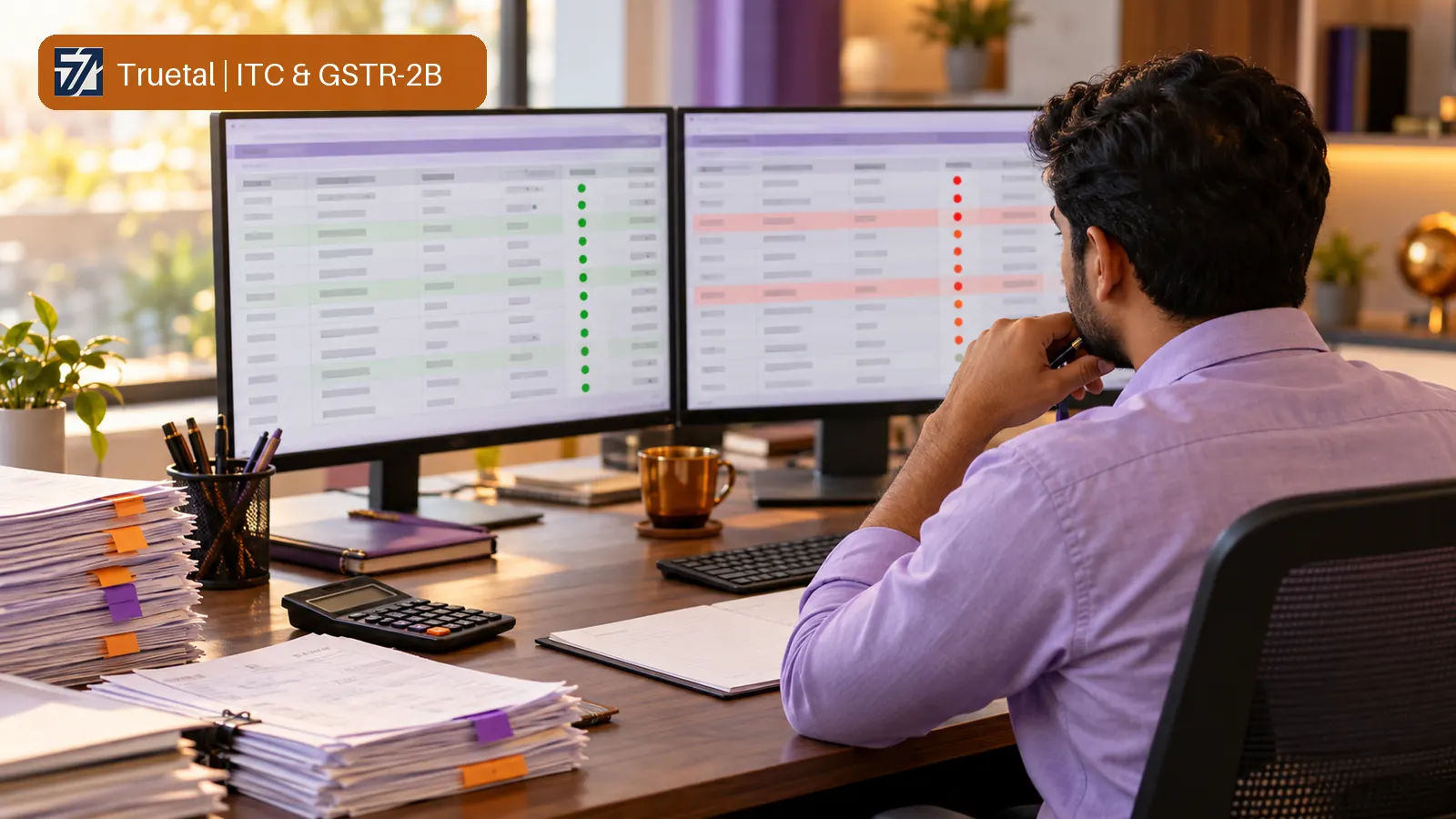
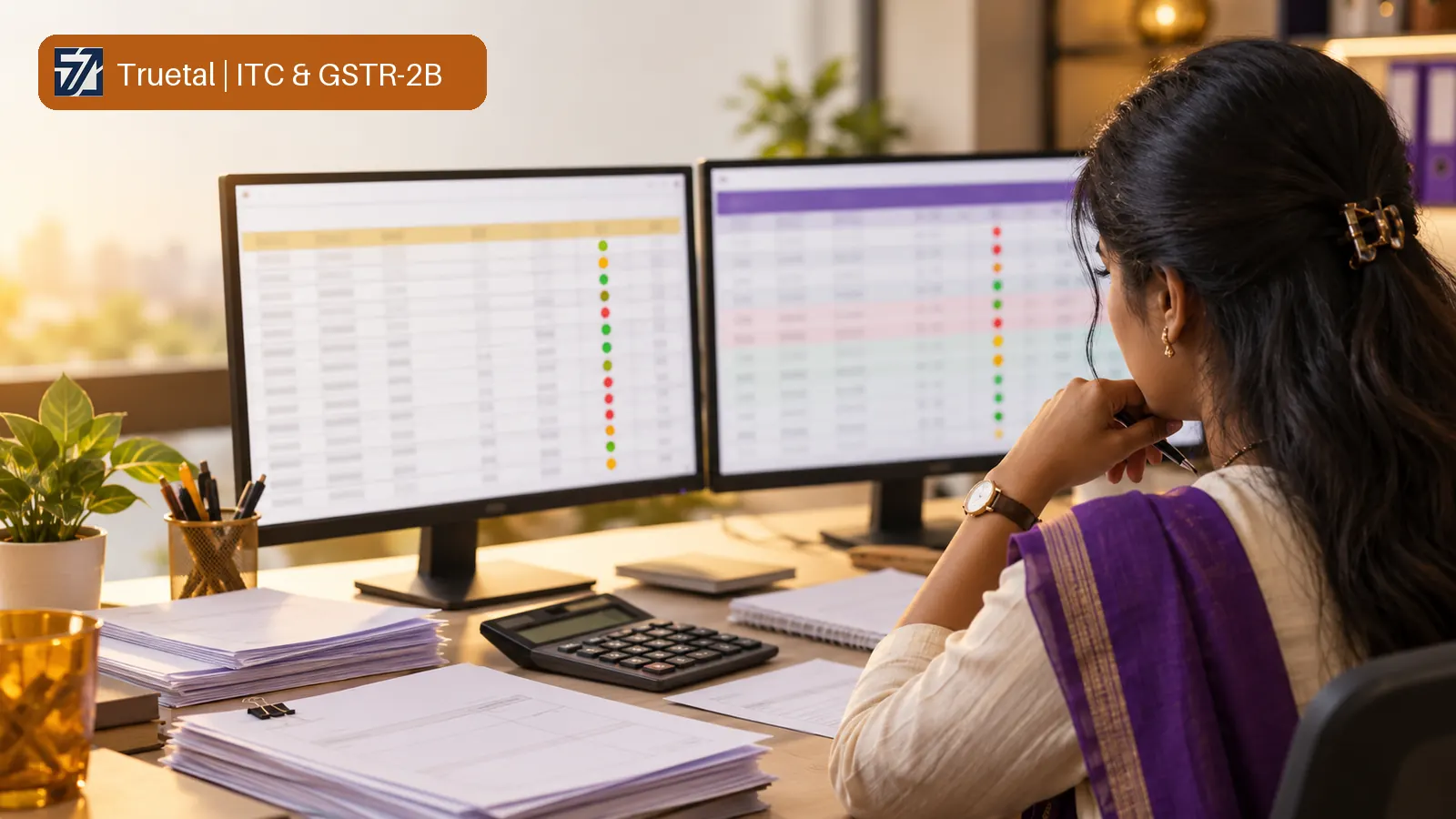
If a supplier invoice is in your purchase register but its credit is not in GSTR-2B, the cause is usually one of ten things: the supplier has not filed yet or filed after the cut-off, filed a return without your invoice, reported the wrong GSTIN or invoice details, corrected the record later, the record is pending or rejected in IMS, a credit note reduced it, your own books hold the error, or the purchase belongs to a reverse-charge, import or non-creditable flow.
GSTR-2B is read-only. The fix is always on the supplier's return, in IMS or in your own books — never in GSTR-2B itself.
Last reviewed: 12 November 2026.
In Plain Words
Keep the genuine purchase in your books, hold the credit decision and find out which cause applies before you chase anyone. Credit on a supplier invoice needs the supplier to have furnished it and GSTR-2B to communicate it, and the other conditions of section 16 still apply. A GSTR-2B match is necessary for the credit; it is not proof that the credit is allowed.
Find the Cause Quickly
| What you see | Most likely cause | Check first |
| Supplier has not replied or says "will file" | 1. Not filed, or filed after the cut-off | Supplier's filing date for that month |
| Supplier sends a GSTR-1 acknowledgement (ARN) | 2. Return filed without your invoice | Invoice-level extract from the filed return |
| Invoice shows in another registration's 2B | 3. Wrong recipient GSTIN | GSTIN on the supplier's record |
| Invoice is in 2B but does not match | 4. Wrong number, date, value or tax type | Number, date, taxable value, IGST vs CGST/SGST |
| Supplier says they corrected it | 5. Amendment or GSTR-1A in a later month | Next month's GSTR-2B |
| Supplier filed, invoice still absent | 6. Pending or rejected in IMS | IMS status of the record |
| 2B credit is lower than the invoice | 7. Supplier credit note | Credit notes in 2B and IMS |
| Totals differ but supplier records look right | 8. Error in your own books | Duplicates, typed GSTIN, booking month |
| Purchase is RCM, import or from a composition dealer | 9. Never in the supplier section of 2B | RCM register or bill of entry |
| Invoice is in 2B but marked not available | 10. Credit not available | ITC availability column, section 17(5) |
The 10 Causes, in the Order to Check Them
1. The supplier has not filed yet, or filed after the cut-off
GSTR-2B for a month is built from what suppliers have filed in GSTR-1 or IFF by the cut-off. A late-filed invoice is not lost: it appears in the GSTR-2B of the period in which it is filed. Action: ask whether, and when, the supplier filed, then track the invoice into the next GSTR-2B.
2. The supplier filed a return, but your invoice was not in it
A GSTR-1 acknowledgement proves that the return was submitted. It does not prove that your invoice was reported, to the correct GSTIN, in the correct table or before the cut-off. Action: ask for the invoice-level extract from the filed return, not a screenshot of the ARN.
3. The invoice was reported against the wrong GSTIN
A transposed digit, or one of your other registrations, sends the credit to a different GSTIN's GSTR-2B. Action: check the recipient GSTIN on the supplier's record. If your business has several registrations, check each GSTR-2B before chasing the supplier. The supplier corrects a wrong GSTIN through GSTR-1A or an amendment in a later return.
4. Wrong invoice number, date, value or tax type
The record reached you, but not as you booked it: a different number or date, a different taxable value, or IGST where you expected CGST and SGST because of the place of supply. Action: match on supplier GSTIN, invoice number and amount — not on totals — and correct whichever side is wrong.
5. An amendment or GSTR-1A that reaches a later month
A correction made after the original filing follows its own timeline. A record added or corrected through GSTR-1A after GSTR-2B is generated can reach the recipient in a later tax period's GSTR-2B. Action: keep the item open with the supplier's evidence and check the following GSTR-2B before reversing anything in your books.
6. The record is pending or rejected in IMS
The Invoice Management System (IMS) controls how a supplier's record reaches your GSTR-2B. A record kept pending does not flow into it, a rejected record gives no credit, and a record left with no action is treated as accepted when GSTR-2B is generated. Action: check the IMS status of the record; someone in your team may have rejected or parked it.
7. A supplier credit note has reduced the credit
A credit note issued by the supplier reduces the credit shown even if you have not booked it. Action: match it to the return or price adjustment it relates to and book it. If the note is wrong, review it in IMS — a commercial disagreement alone does not decide the tax treatment.
8. The error is in your own books
A duplicate booking, a typed GSTIN, a different spelling of the invoice number or the wrong booking month. Action: correct the purchase register. This is the one cause you can fix today, so check it once the supplier side is ruled out — not first and not never.
9. The purchase was never going to be in the supplier section of GSTR-2B
- Reverse charge from an unregistered supplier, and import of services: no supplier reports these, so they do not appear in GSTR-2B. Pay the tax under reverse charge and keep them in a separate RCM register.
- Reverse charge from a registered supplier: the supplier reports it and it appears marked as reverse charge. Credit follows only after you pay the tax.
- Import of goods: comes from bill of entry data in its own import section, and has been in IMS since October 2025 — not from a supplier return. Reconcile it against the bill of entry.
- Composition dealer: a composition supplier issues a bill of supply, which carries no input tax credit.
10. It shows in GSTR-2B, but the credit is not available
GSTR-2B can mark a record's credit as not available, for example where a time-limit or place-of-supply condition is not met. It never flags blocked credits under section 17(5); those are your decision. Action: check the availability column and the blocked-credit list before claiming.
Step-by-Step Checklist
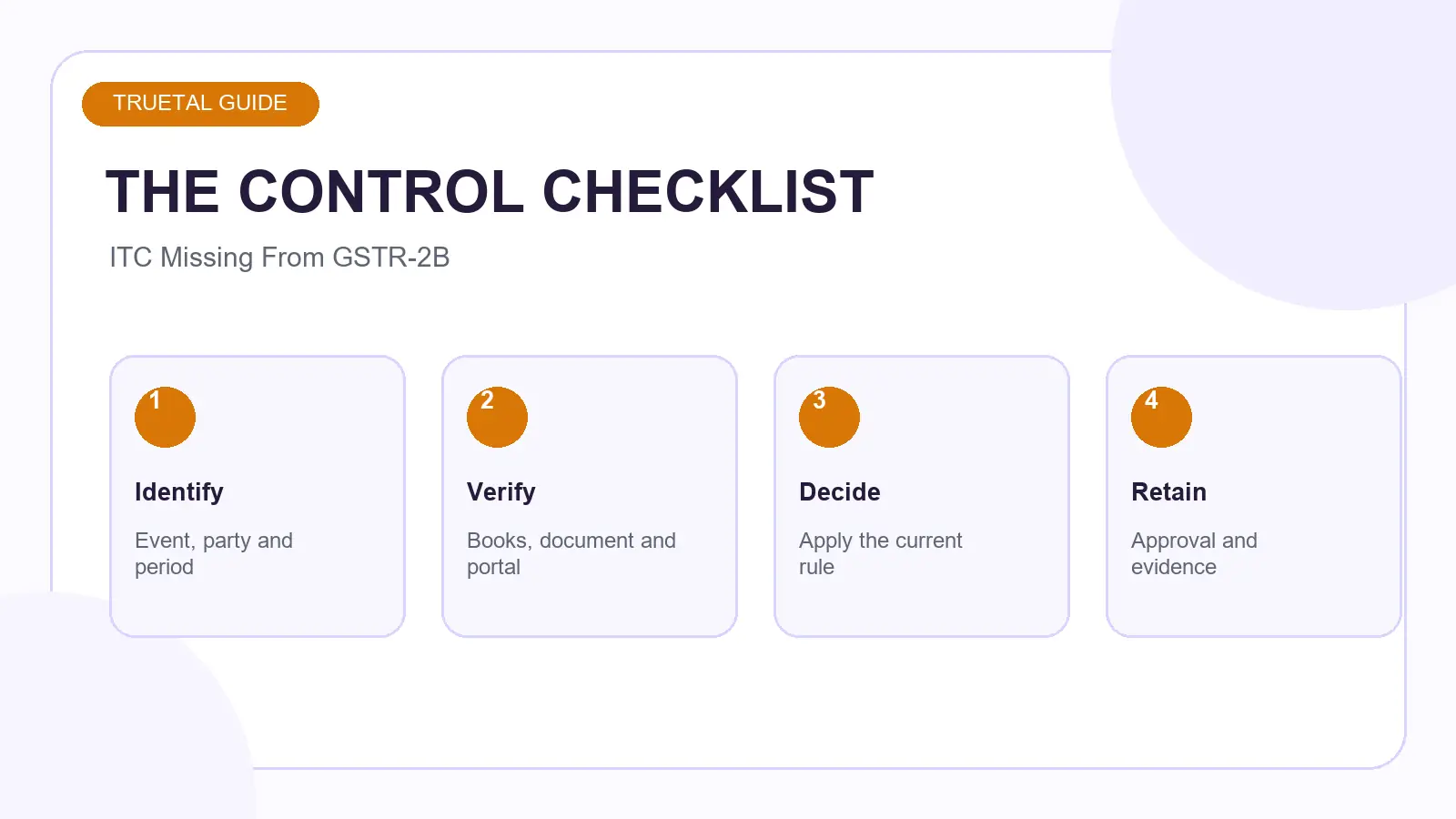
- Verify the supplier GSTIN, your GSTIN and the invoice fields in your books. Rule out a typing error before anything else is escalated.
- Ask the supplier for invoice-level filing evidence. Compare number, date, taxable value and tax type with your record.
- Check IMS and the next applicable GSTR-2B. Pending, rejected, amended and late-filed records each close differently.
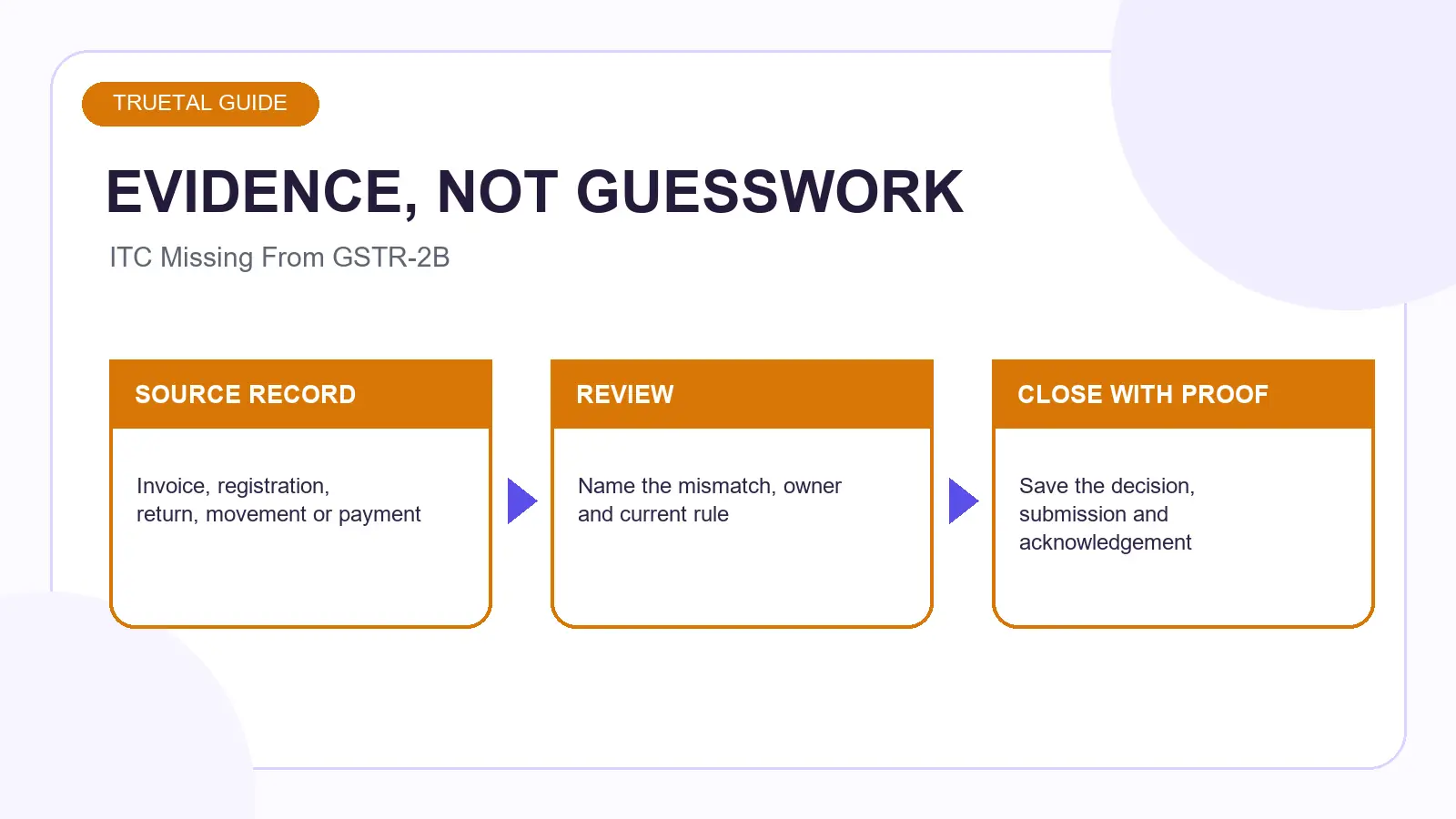
- Record the cause, owner, follow-up date and final resolution. Close the item only when the evidence is attached.
Do not mark a step complete because someone says it was done. Mark it complete when the source document, portal evidence or approval is attached.
Worked Example: A ₹1,18,000 Gap, Explained Line by Line
For one month the purchase register shows ITC of ₹4,10,000 and GSTR-2B shows ₹2,92,000 — a gap of ₹1,18,000.
- Match invoice by invoice on supplier GSTIN, invoice number and amount, not on totals.
- Sort every unmatched line by cause: ₹70,000 is from suppliers who have not filed yet (cause 1), ₹22,000 is a duplicate booking (cause 8), ₹18,000 is reverse-charge freight from an unregistered transporter (cause 9) and ₹8,000 is a supplier credit note not yet booked (cause 7).
- Give each group an owner and an action: chase the suppliers, reverse the duplicate, move the reverse-charge purchases to the RCM register and book the credit note.
- Claim credit only for invoices that appear in GSTR-2B and meet the other conditions, and carry the ₹70,000 forward to check in the next GSTR-2B.
Result: the whole ₹1,18,000 is explained. ₹70,000 is genuinely waiting on suppliers; the other ₹48,000 is corrected in your own books or moved to the right register.
A second common pattern: INV-204 is booked in September but absent from September's GSTR-2B. The supplier shows a GSTR-1 acknowledgement, but the invoice-level extract shows a transposed recipient GSTIN. The return was filed; the invoice still went to the wrong recipient. The supplier corrects it through GSTR-1A or a later amendment, and the item stays open until a later GSTR-2B shows it correctly.
How to Write to the Supplier
A precise note gets a faster correction than "please file GST". State what your books show, what GSTR-2B shows and what you need:
Invoice INV-204 dated 12 September 2026, taxable value ₹1,00,000, IGST ₹18,000, does not appear in our GSTR-2B for September. Our GSTIN is [your GSTIN]. Please send the invoice-level extract from your filed GSTR-1. If the GSTIN, number or value was reported differently, please correct it through GSTR-1A or your next return.
Keep the payment, the accounting entry and the credit decision separate. Check your contract before withholding payment over a missing invoice.
Documents and Evidence to Keep
- supplier invoice and purchase-register row
- supplier's invoice-level filing extract, not only the acknowledgement
- IMS status of the record
- current and next-period GSTR-2B
- supplier correspondence and the correction made
A screenshot without the underlying record, or a record without the final acknowledgement, leaves half an audit trail.
Common Mistakes
- adding the invoice to GSTR-2B (it is read-only) or deleting a genuine purchase to make totals match
- accepting a return acknowledgement as proof that your invoice was reported
- claiming credit on a supplier's message alone
- assuming every difference is the supplier's fault, or every difference is your own books
- chasing a supplier for an invoice that is sitting in the GSTR-2B of your other registration
- rejecting a credit note in IMS only because of a commercial dispute
- closing the item before the corrected record appears in GSTR-2B
How Truetal Helps — and Where It Stops
On the Pro plan, Truetal compares an uploaded GSTR-2B with the purchase register, keeps ambiguous matches for review and supports invoice-level supplier follow-up.
Truetal is a reconciliation aid, not a legal eligibility decision. A match in GSTR-2B does not by itself make credit claimable, and Truetal does not take IMS actions or file returns.
If missing credits run across many suppliers or months and you want outside help, compare what a GST reconciliation service should cover and cost before you hire one.
FAQ
Why is my ITC not showing in GSTR-2B?
Usually because the supplier has not filed yet or filed after the cut-off, reported the wrong GSTIN or invoice details, corrected the record later through GSTR-1A, or the record is pending or rejected in IMS. Credit notes, errors in your own books and reverse-charge or import purchases explain most of the rest.
My supplier says they filed GSTR-1. Why is the invoice still missing?
A GSTR-1 acknowledgement proves the return was filed, not that your invoice was in it. Ask for the invoice-level extract and compare the recipient GSTIN, invoice number, date and value. Then check IMS and the next GSTR-2B.
Can I add a missing invoice to GSTR-2B myself?
No. GSTR-2B is a read-only statement generated from suppliers' returns and other sources. The supplier must report or correct the invoice, or you must change its IMS status if it is pending or rejected.
Can I claim ITC if the invoice is not in GSTR-2B?
For a supplier invoice, generally no: the rules require the supplier to have furnished the invoice and GSTR-2B to communicate it, and the other conditions of section 16 still apply. Keep the purchase in your books and claim the credit in the period the invoice appears, within the time limit.
How does Truetal help?
On the Pro plan, Truetal compares an uploaded GSTR-2B with the purchase register, keeps ambiguous matches for review and supports invoice-level supplier follow-up. It does not decide ITC eligibility, take IMS actions or file returns.
The Takeaway
Name the cause before you act. Most missing credits are a supplier's late or wrong filing, an IMS status or a later amendment; a smaller share is your own books or a purchase that never belonged in the supplier section of GSTR-2B. Close each item with evidence. Check Missing ITC when you want help turning the list into follow-ups.
Related Reading
- GSTR-2B vs Purchase Register: IMS and Rule 37A Controls
- GST IMS: accept, reject or keep pending
- GST Reconciliation: How Businesses Can Find ITC Mismatches
- Explore Truetal’s connected business workflows
- Talk to the Truetal team about your workflow
Sources
- GST Portal — Form GSTR-2B FAQs
- GST Portal — Invoice Management System FAQs
- GSTN — Advisory on Bills of Entry in IMS (October 2025)
- CBIC — CGST Rule 36 (documentary requirements for ITC)
- CBIC — CGST Act section 16 (eligibility and conditions for ITC)
- GST Portal — GSTR-2B Matching Offline Tool manual
This is general information, not legal or tax advice. Verify the facts, effective date and current notification for your business before acting.