
A stock number is useful only when you can explain how it got there. If the shelf says 18 units, the spreadsheet says 23 and the billing app says 20, buying another tool will not solve the problem unless the workflow records every receipt, issue, transfer, return and correction.
The short answer
Inventory management software for a small business should maintain a product-wise and warehouse-wise movement record, not just a manually editable closing quantity. It should connect purchases, sales, transfers, returns and stock counts to the quantity on hand, while leaving a clear source for every movement.
For an Indian trader or distributor, also check whether product records carry the practical details used downstream: HSN or SAC where relevant, unit of quantity, GST rate, purchase cost, selling price, SKU or barcode, and reorder information. The right system is the one your staff can operate consistently and your accountant can verify later.
Start with the movement ledger
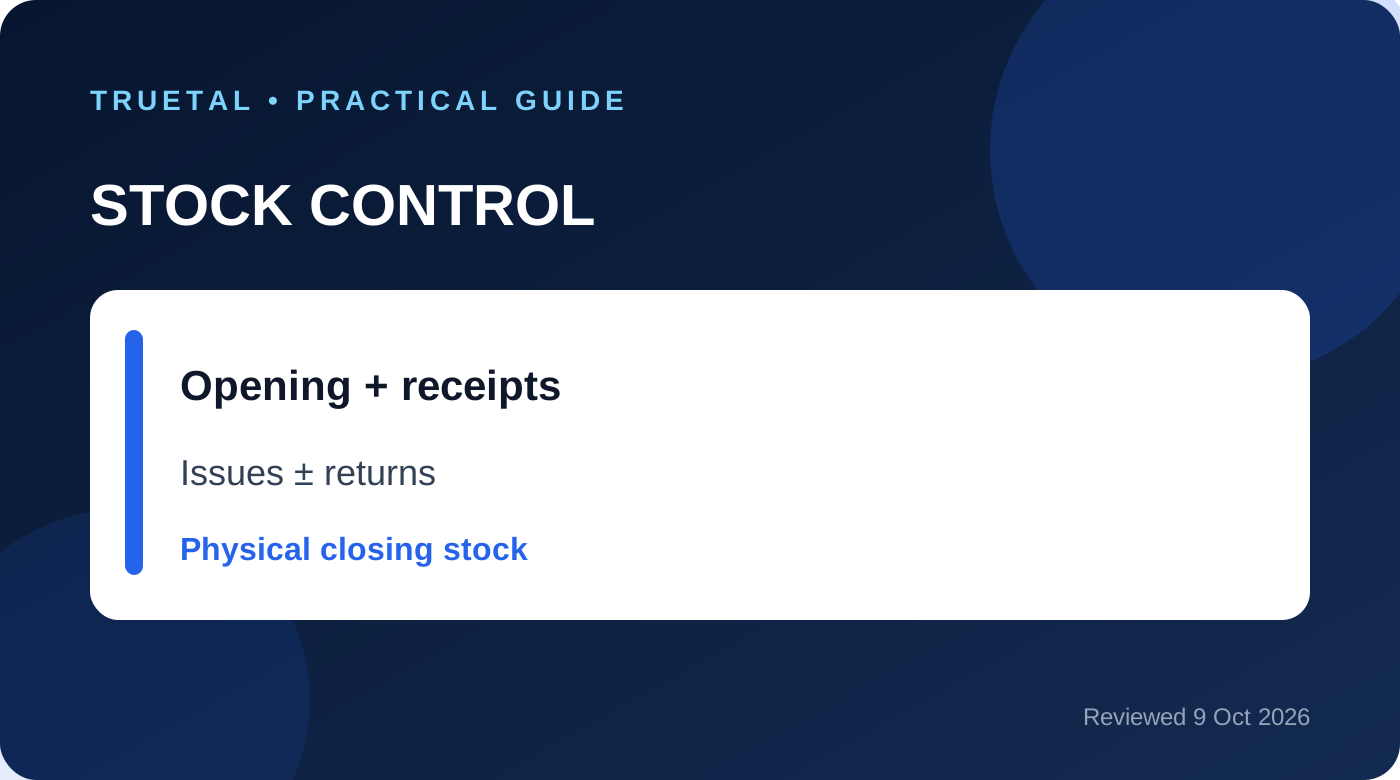
Think of inventory as an equation:
Opening quantity + receipts + transfers in + customer returns - sales/issues - transfers out - supplier returns = expected closing quantity.
A physical count then tests that expected figure. If the count differs, the correction needs a date, quantity, reason and responsible user. Replacing the balance with a new number hides the cause and makes the same problem likely to return.
| Business event | Stock effect | Evidence to retain |
| Opening stock accepted | Increase | Opening-stock working and approval |
| Supplier goods received | Increase | Purchase bill or supported receipt |
| Customer invoice/dispatch | Decrease | Invoice and movement/dispatch evidence |
| Transfer between godowns | Decrease in one, increase in another | One linked transfer record |
| Customer return accepted | Increase | Credit note or return evidence |
| Supplier return dispatched | Decrease | Debit note/return evidence |
| Physical-count correction | Increase or decrease | Count sheet and correction reason |
Worked example: two godowns and one return
Assume a hardware distributor starts with 100 pumps in the Mumbai godown and 40 in Pune. It receives 20 more in Mumbai, transfers 15 from Mumbai to Pune, sells 12 from Pune, and accepts a customer return of 2 into Pune.
Mumbai should close at 105 units: 100 + 20 - 15. Pune should close at 45 units: 40 + 15 - 12 + 2. The business still owns 150 units in total.
Now suppose the Pune physical count finds 44. Software should not quietly change 45 to 44. The team should investigate whether one sale was missed, a transfer quantity was wrong, an item was damaged, or the count itself was mistaken. If a correction is approved, record a one-unit shortage with its reason. That is the difference between a useful stock record and a decorative dashboard.
What to check before choosing software
1. Product setup
Test whether staff can find an item by its normal name, SKU or barcode. Confirm that goods and services are treated differently, and that units, HSN/SAC details and tax rates are visible where the invoicing workflow needs them.
2. Warehouse control
If you use more than one shop, godown or branch, insist on separate balances. A single company-wide total can hide that stock exists in the wrong place. Transfers should produce one connected movement, not an unexplained issue followed by an unrelated receipt.
3. Purchase and sale integration
Ask exactly when stock changes. A draft quotation should not reduce stock. A confirmed stock-affecting sale or dispatch should. A genuine purchase receipt should add stock once, not once on receipt and again when the bill is entered.
4. Returns and reversals
Deleting an old movement is dangerous. Customer returns, supplier returns and cancelled stock-affecting documents should create supported opposite movements so history remains understandable.
5. Counts and exceptions
The system should help you compare physical and expected quantities, record reasons and review low-stock items. Reorder levels are operational prompts, not purchase orders created without human judgment.
6. Accounting boundary
Quantity control and inventory valuation are related but not identical. ICAI AS 2 addresses valuation, including cost and net realisable value principles. A live stock quantity does not by itself prove the correct closing-stock value, landed cost, obsolescence provision or cost formula. Confirm those accounting policies with your accountant.
A practical implementation checklist
- Clean duplicate product names and agree one unit for each item.
- Create every active warehouse or godown.
- Approve opening quantities and costs as of one cut-off date.
- Decide which documents create receipts and issues.
- Train staff to use transfers rather than editing both locations.
- Record returns through the linked commercial document.
- Set reorder levels only after reviewing actual demand and lead time.
- Count a sample of fast-moving and high-value items every week.
- Review negative stock, unexplained corrections and old unmoving items.
- Reconcile the final quantity and value with the books at period end.
Common mistakes
- Treating an Excel opening balance as permanent truth without a count.
- Reducing stock when a quotation or draft invoice is created.
- Recording the same supplier receipt twice through two workflows.
- Moving stock between godowns with unrelated manual adjustments.
- Deleting a return or cancelled movement instead of reversing it.
- Advertising batch, expiry, serial-number or manufacturing controls that the selected plan does not actually provide.
- Assuming live quantity automatically means AS 2 valuation is complete.
How Truetal helps
Truetal keeps product stock by warehouse and records stock receipts, issues, transfers and counts through a movement history. Stock-affecting sales, purchases and credit/debit notes can remain connected to the operational record instead of becoming unexplained balance edits. Review the exact workflow against your business before adopting it; specialist batch, expiry, serial-number, POS and manufacturing needs may require other controls.
FAQ
Is inventory software the same as GST billing software?
No. Billing software may create an invoice without maintaining a complete warehouse movement ledger. Inventory software should explain receipts, issues, transfers, returns and count differences. An integrated system can do both, but test both workflows separately.
Should stock reduce on invoice or dispatch?
Use one documented rule that matches the actual movement and your document workflow. Do not reduce stock on a non-final quotation or create two reductions for the same supply. See the related Truetal guide on inventory reduction timing for edge cases.
Can software replace a physical stock count?
No. Software calculates expected stock from recorded events. A physical count tests whether reality agrees and helps identify missed, duplicated, damaged or misclassified movements.
Does a stock quantity prove the closing-stock value?
No. Valuation also depends on the applicable accounting framework, costs included, cost formula, obsolescence and net realisable value. The quantity ledger is evidence for that work, not a substitute for it.
What should a small trader implement first?
Start with clean product masters, one opening cut-off, warehouse balances, purchase receipts, sales/issues, transfers and returns. Add reorder and deeper reporting only after the basic movement trail is reliable.
The takeaway
Choose inventory software by asking whether every unit can be traced from opening stock to its latest movement. Accurate stock is created by disciplined events, supported corrections and regular counts—not by a colourful total on a dashboard.